SMTP and API mail for WordPress.
Lean SMTP routes wp_mail() through a real mail service, either SMTP or the Amazon SES, Mailgun, or Resend API, so your site's email actually arrives. A handful of transports and a handful of settings.
// any setting can be defined in code,
// which always wins over the database
define( 'LEAN_SMTP_MAILER', 'ses' );
define( 'LEAN_SMTP_FROM_EMAIL', 'noreply@example.com' );
define( 'LEAN_SMTP_SES_REGION', 'us-east-1' );
define( 'LEAN_SMTP_SES_ACCESS_KEY', 'AKIA…' );
define( 'LEAN_SMTP_SES_SECRET_KEY', getenv( 'SES_SECRET_KEY' ) );
Four ways to send.
Every provider also offers plain SMTP, so the SMTP transport covers all of them. The API transports are for hosts that block outbound mail ports (25, 465, 587).
SMTP
Any host and port, with TLS, SSL, or no encryption, and optional username and password.
See it in the admin ↓ API · MIMEAmazon SES
The SES v2 API, signed with a built-in AWS Signature V4 signer. No AWS SDK required.
SES docs ↗ API · MIMEMailgun
US or EU region. Sent as MIME, so attachments and formatting are preserved.
Mailgun docs ↗ API · JSONResend
A single API key. Nothing else to configure.
Resend docs ↗What it does.
From identity
Set the From name and address, and optionally force them over anything another plugin sets.
Reply-To
A site-wide address for replies, when the From address is a no-reply. A Reply-To the message set for itself is always kept.
Offline mode
Record every message and send nothing. Meant for staging sites that must never mail real customers. wp_mail() still reports success, so plugins behave as they would in production.
wp-config.php overrides
Pin any setting as a constant, so credentials can live in environment variables instead of the database.
Failure alerts
An admin notice when mail stops going out. It clears itself once mail works again.
Encrypted secrets
Stored passwords and API keys are AES-256 encrypted, keyed to your site salts, and never shown in the browser.
WP-CLI
wp lean-smtp test and wp lean-smtp status. Status never prints a secret's value.
Email log
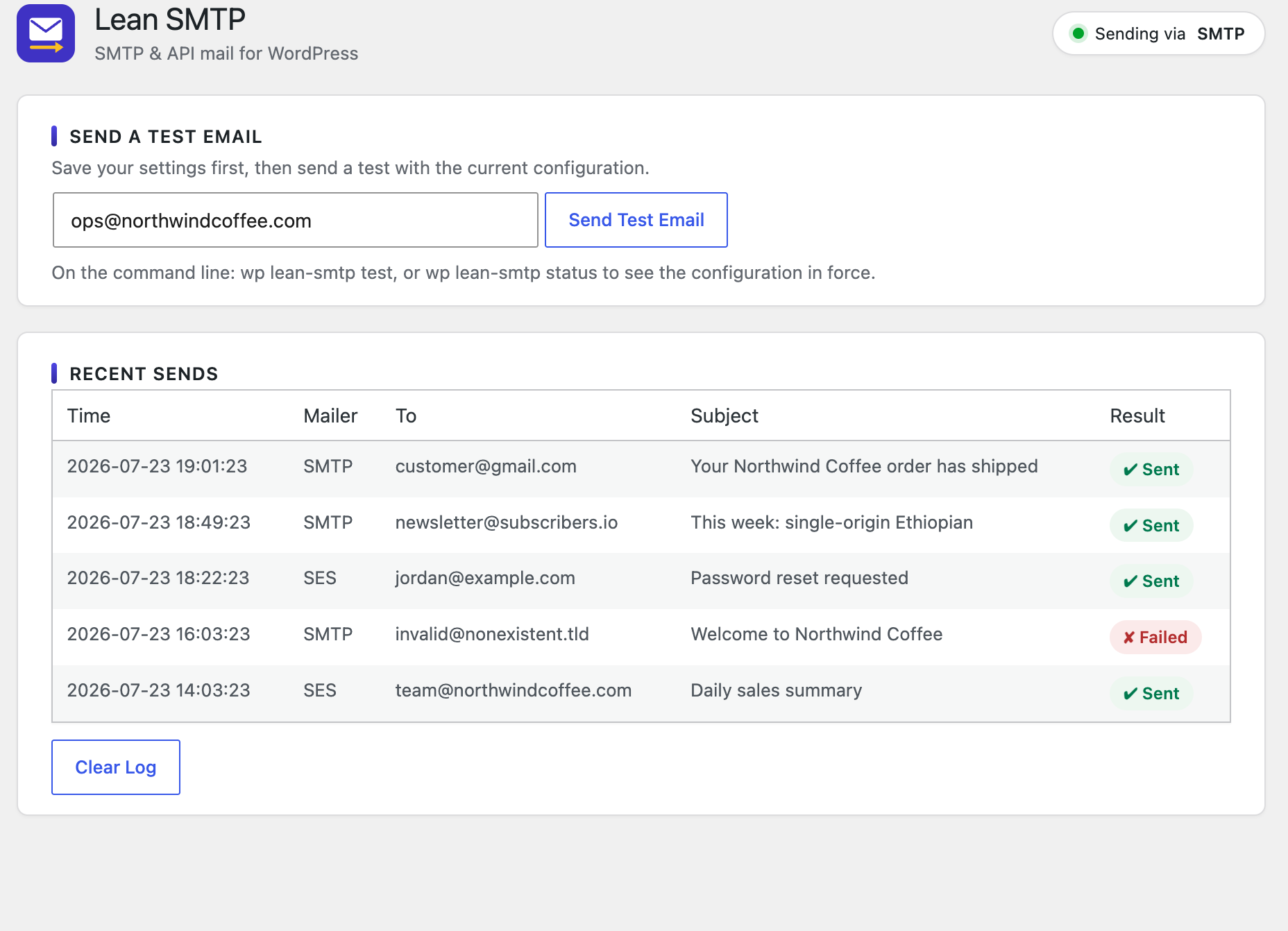
Optional, on a screen of its own. Every send, with its recipient, subject and result, plus a status filter, search, and delete. Headers, attachment names and the body can each be recorded too, behind their own settings.
Test email
A button on the settings page, and wp lean-smtp test on the command line, to confirm the configuration works.
Two screens.
Settings for how mail is sent. Email Log for what was sent.
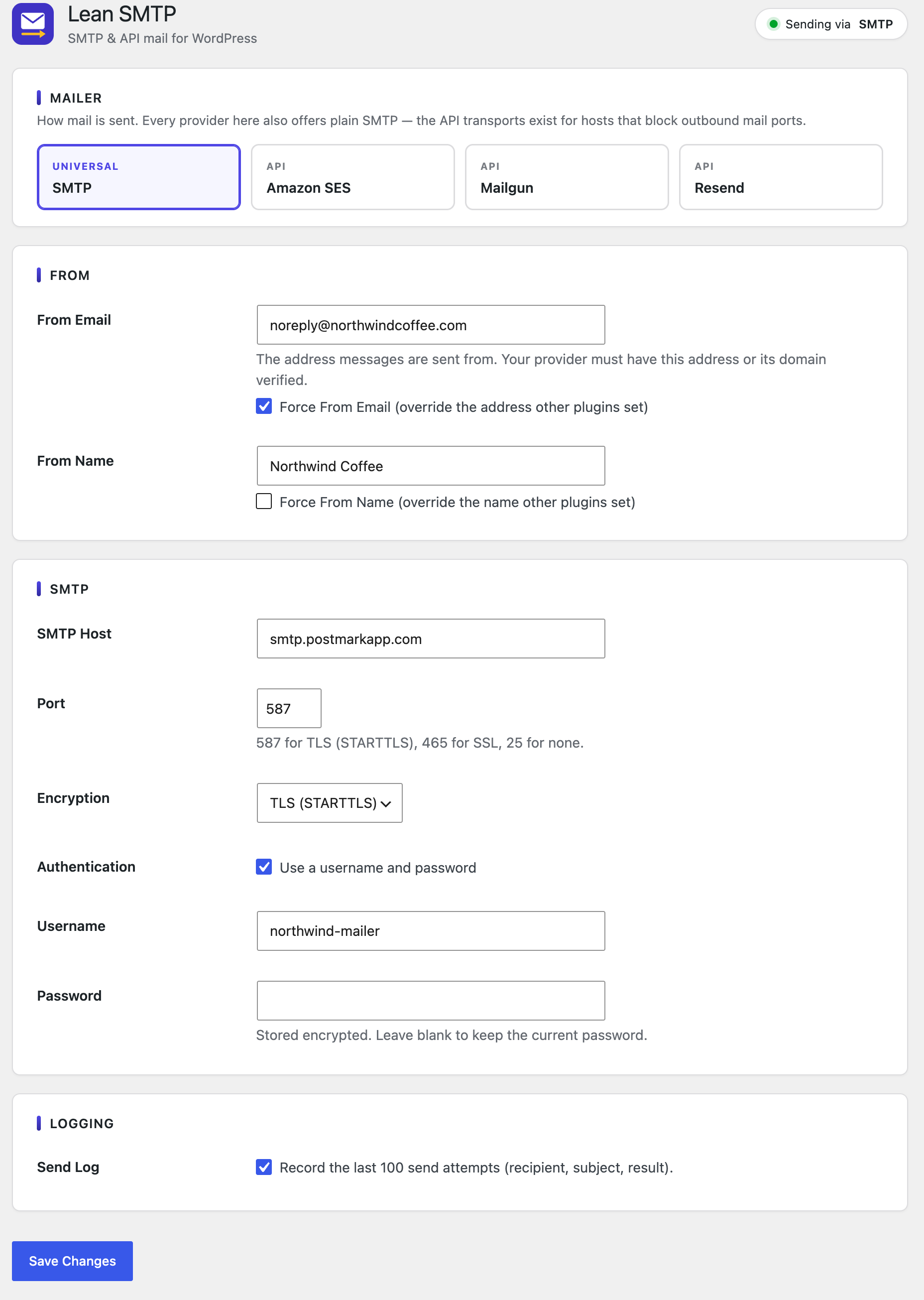
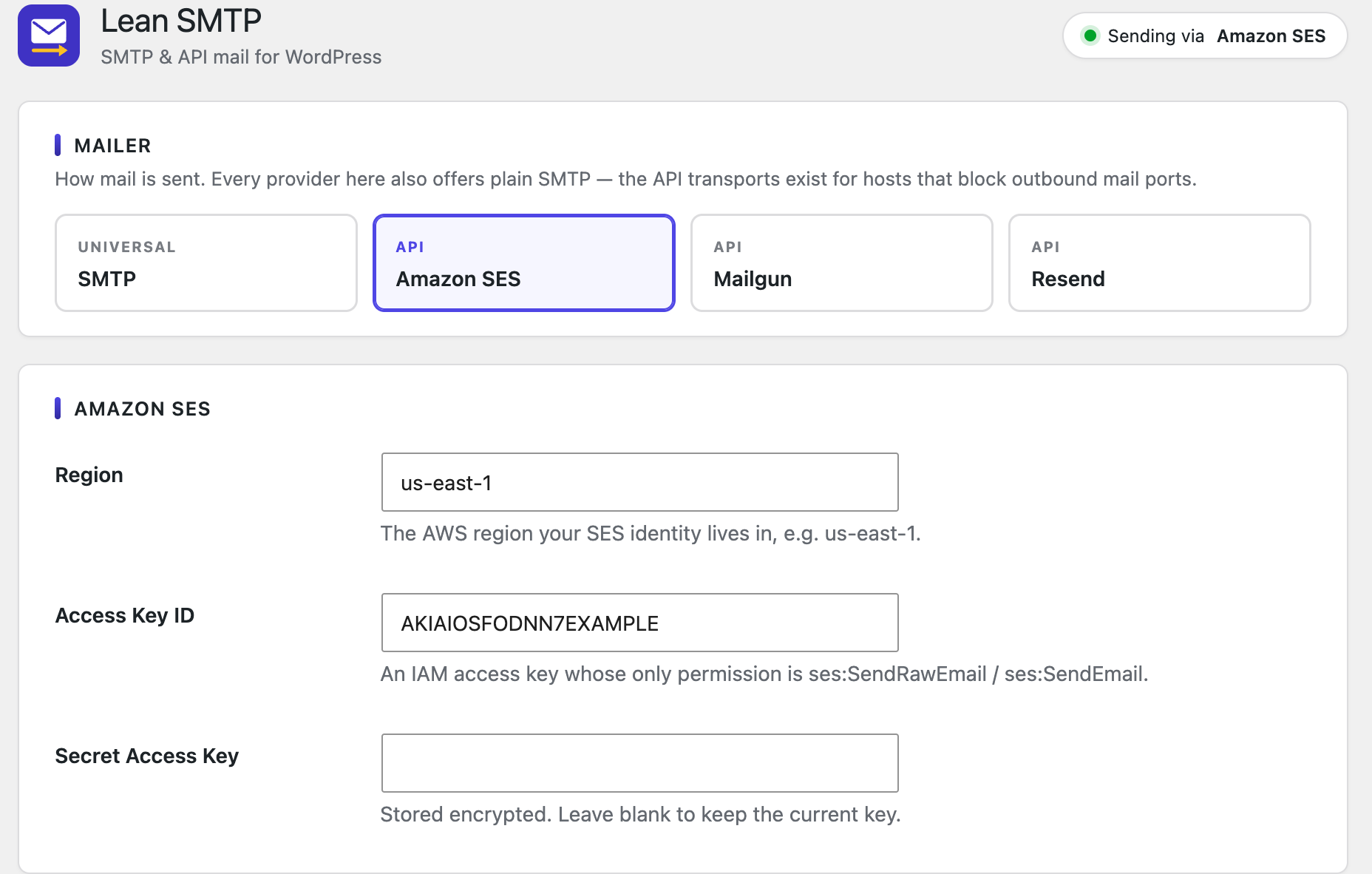
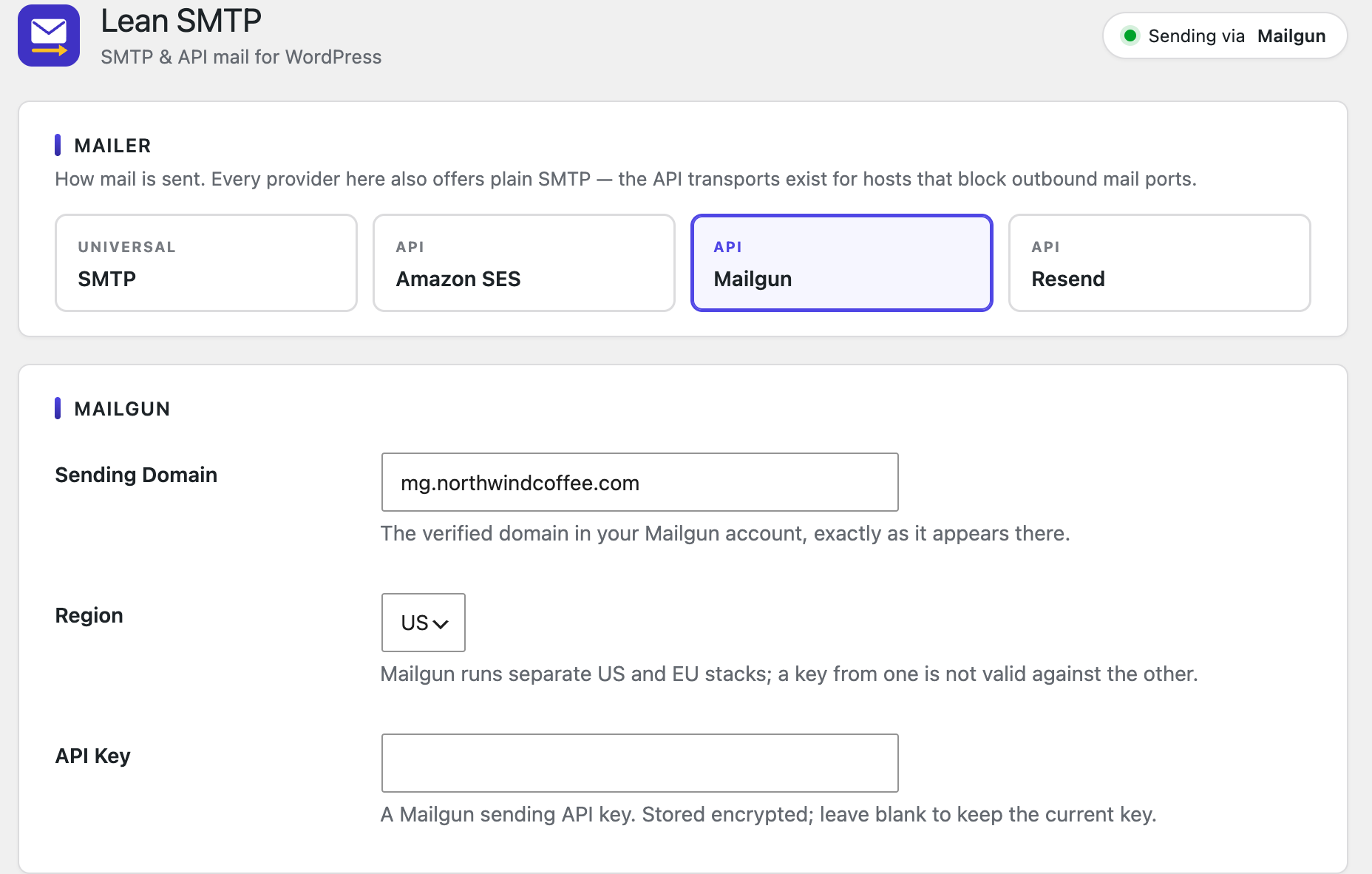
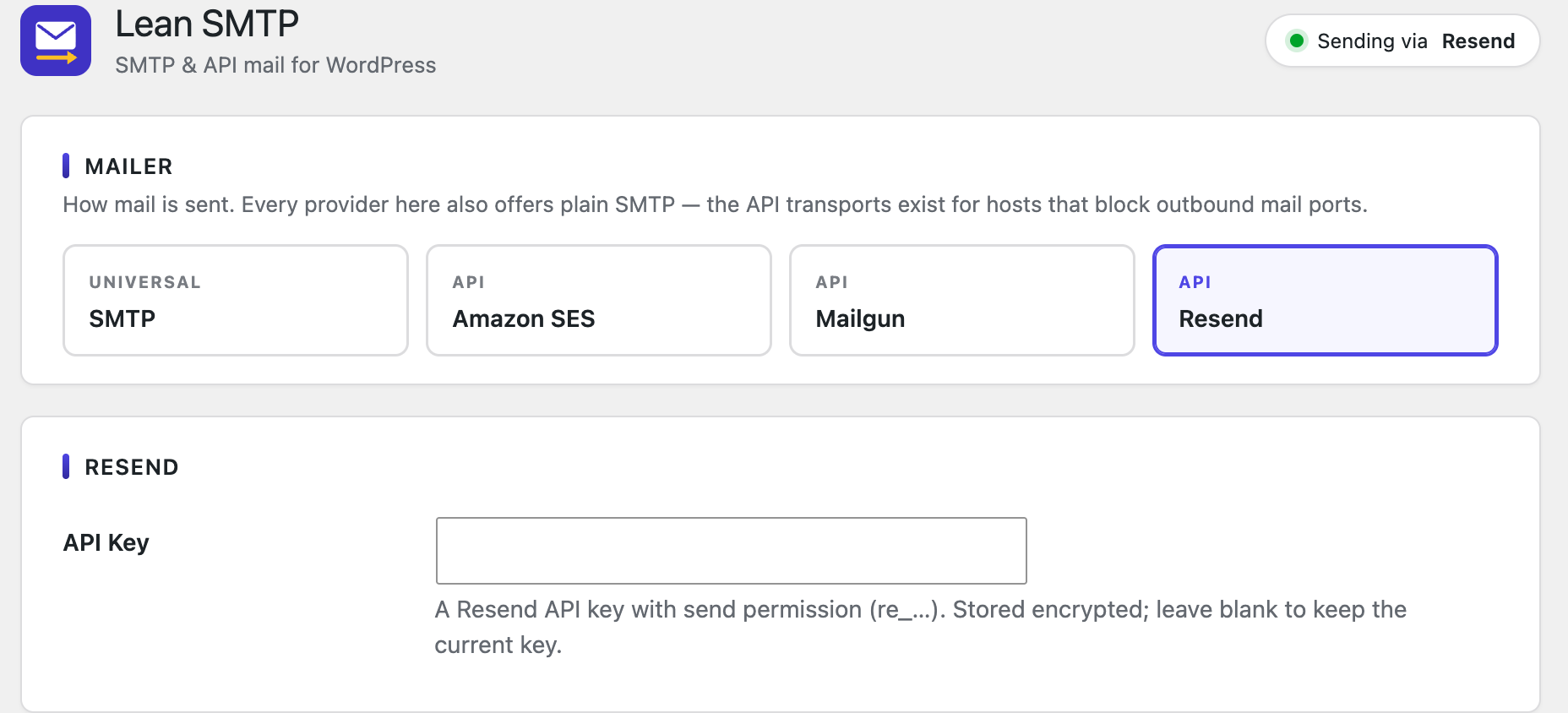
Pick a mailer (including Offline, which records mail without sending it), set the From identity and Reply-To, then configure the transport.
Configure it in the database, or in code.
A wp-config.php constant always beats the stored option. The settings screen shows a constant-backed field read-only and names the constant, so what you see is what's in force.
mailer          ses          constant
from_email      noreply@…    constant
ses_region      us-east-1    constant
ses_access_key  AKIA…        constant
ses_secret_key  ********     constant

# each setting and its source; secrets are
# never printed, only where they came from
$ wp lean-smtp test you@example.com

Success: Test email sent to you@example.com.

# or use the "Send a Test Email" button
# on the settings page
No Gmail or Microsoft 365 OAuth.
Both need an OAuth consent flow, refresh-token storage, and (for Google) app verification. That is more machinery than the rest of the plugin combined, so they are left out on purpose.
Install Lean SMTP.
In your admin, go to Plugins → Add New and search for Lean SMTP. Or take the zip from WordPress.org or GitHub and upload it.